
- Type
- Digital CD Key

- Platform
- Microsoft

- Region
- Worldwide except Türkiye
Instant delivery to your email and dashboard once payment is confirmed.
Choose your version
Sellers
Available offers: 1. Choose who to buy from; all are delivered instantly.
33,36 €
Product Description
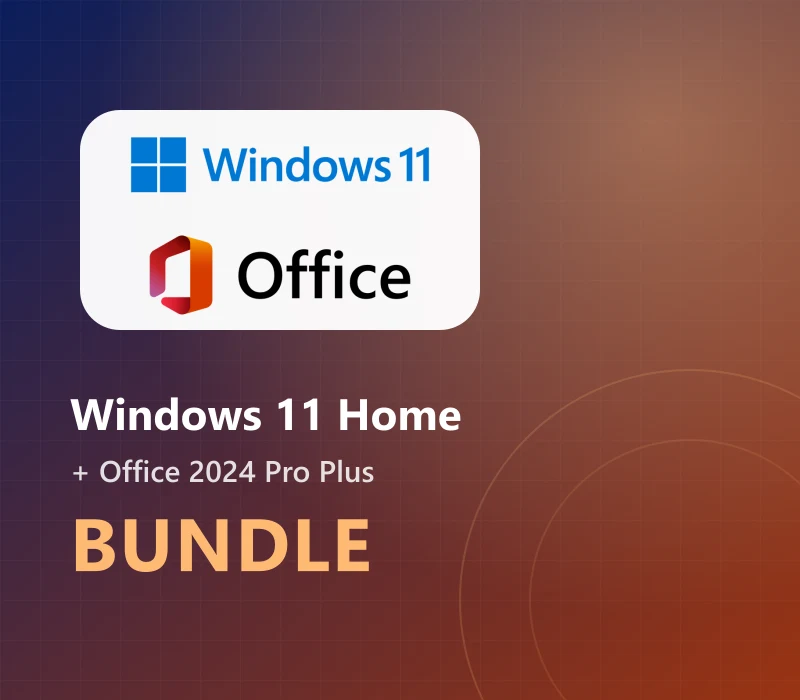
Windows 11 Home Get up to the standard for home PC operating systems! Purchase Windows 11 Home Key from a trusted provider and at a special price. Windows 11 Home edition is the latest version of the most popular OS in t...
Technical details and regional compatibility for Windows 11 Home & MS Office 2024 Professional Plus LTSC Bundle
Activation details for Microsoft (Worldwide except Türkiye)
- Product
- Windows 11 Home & MS Office 2024 Professional Plus LTSC Bundle
- Activation platform
- Microsoft
- Activation region
- Worldwide except Türkiye
- Delivery format
- Digital key (CD Key)
- Delivery
- Automatic by email
- Developer / brand
- Cing
Official Activation Guide
Provider instructions for this product
- Windows 11 Pro: This product cannot be used to upgrade your system from another version!
- To download Windows 11 visit this page.
- During installation, you'll be prompted to enter a product key.
- Or, after installation, to enter the product key, select the Start button, and then select Settings > System > Activation.
- If you encounter any errors during activation process, check this troubleshooter.
- MS Office 2024 Professional Plus: Download and run the installation file for Office 2024 Professional Plus LTSC from the link below: https://download.winandoffice.com/Volume/office/2024/EN/Office_2024_EN_64Bits.exe Open a Word file on your PC.
- Enter the product key and click "Activate Now".
- In the Activation Wizard, select "I want to activate the software by telephone, " and then select "Next." Select your country/region, and then call the Product Activation Center phone number that’s listed under the country/region you selected.
- Provide the Installation ID displayed in Step 2 of the Activation Wizard to the Product Activation Center.
- The Product Activation Center will provide a Confirmation ID that you enter in the Activation Wizard.
- Select Next and follow the prompts to complete the activation process.
Customer Reviews & Ratings
Ratings from customers with a verified purchase
BuyCheapKeys Satisfaction Guarantee
Bought it? You can rate it from your order in My orders.
Supported Languages (25)
Frequently asked questions about Windows 11 Home & MS Office 2024 Professional Plus LTSC Bundle
Activation, region and delivery
How do I receive and activate Windows 11 Home & MS Office 2024 Professional Plus LTSC Bundle for Microsoft?
Delivery is digital and automatic once payment is confirmed. You will receive an activation key (CD Key) to redeem Windows 11 Home & MS Office 2024 Professional Plus LTSC Bundle on Microsoft. The code is emailed to you and stored in your orders dashboard.
Which region can Windows 11 Home & MS Office 2024 Professional Plus LTSC Bundle (Worldwide except Türkiye) be activated in?
This Microsoft edition has the "Worldwide except Türkiye" region. Check the compatibility indicator on the page to make sure it matches your account region before buying.
Is it safe to buy Windows 11 Home & MS Office 2024 Professional Plus LTSC Bundle on BuyCheapKeys?
Yes. Keys come from authorised wholesale distributors, and if a key doesn't work we replace it or refund you.
How long does it take to receive my Windows 11 Home & MS Office 2024 Professional Plus LTSC Bundle key?
Delivery is automatic: as soon as payment is confirmed, the key appears in your orders dashboard and is sent to your email.
Related Products
Other official licenses and deals you might like